Get SASSA E forms for All Types of Grant
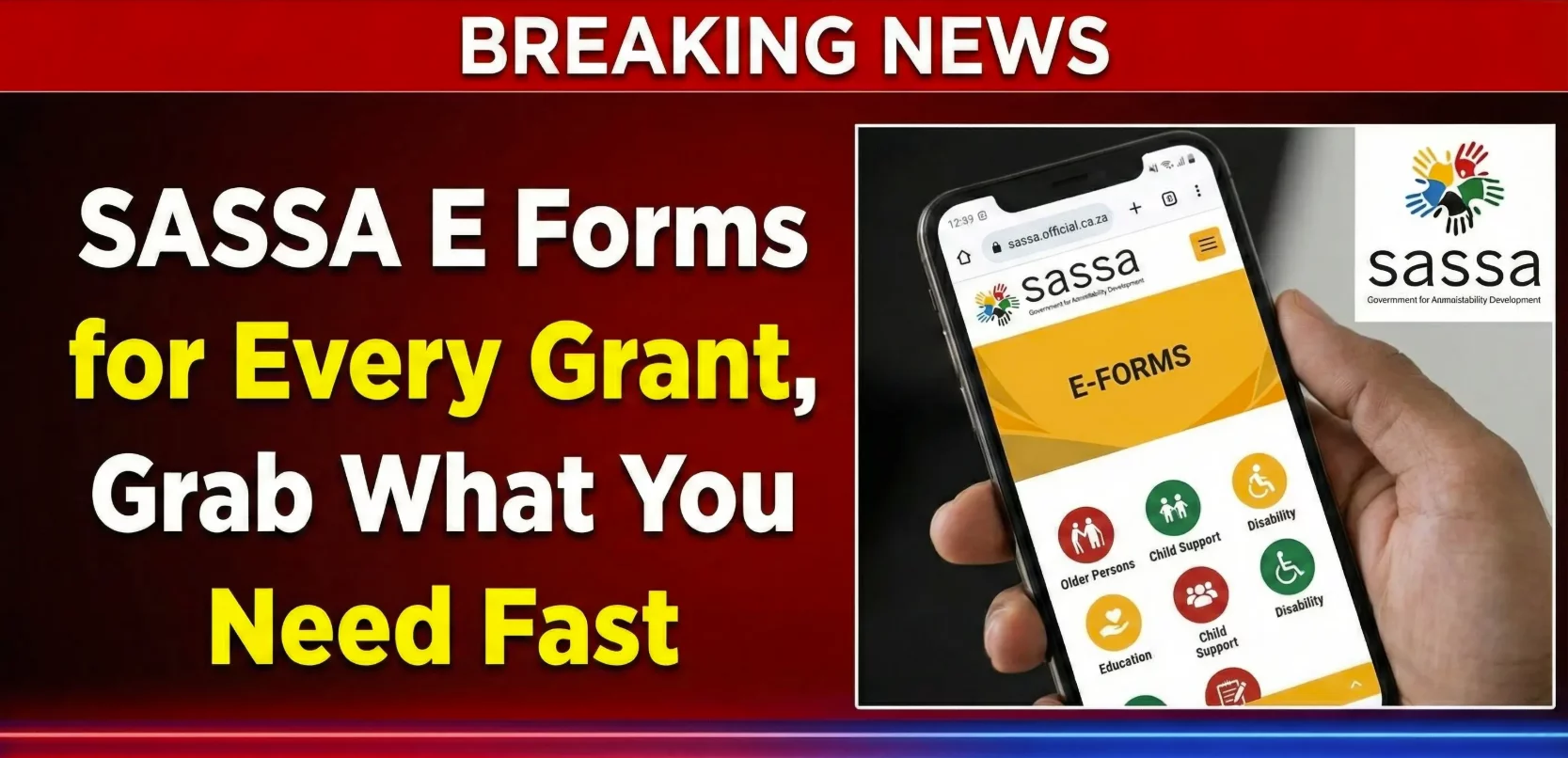
Need to apply for a SASSA grant? You’ll need the right forms. The good news? You don’t have to visit a SASSA office anymore. You can download all forms online from home.
SASSA offers electronic forms (e-forms) for every type of grant. These digital forms save time and make the process simple. No more standing in long queues. No more traveling to offices. Everything is available at your fingertips.
This guide shows you where to find SASSA e-forms, which ones you need, and how to use them. Whether you’re applying for child support, disability grant, or old age pension, we’ve got you covered.
What Are SASSA E-Forms?
SASSA e-forms are digital versions of paper application forms. You can download them, complete them on your device, and submit them online or print them for physical submission.
These forms include:
- Grant application forms
- Affidavits and declarations
- Bank consent forms
- Medical assessment forms
- Appeal forms
- Update and change request forms
Each grant type has specific forms you must complete. Using the correct form is crucial. Wrong forms cause delays and rejections.
Benefits of Using E-Forms
Convenience: Download forms anytime, anywhere. No office visits needed just to get paperwork.
Time-saving: Fill forms at your own pace. No rushing or standing in lines.
Accuracy: Digital forms reduce errors. You can review and edit before submitting.
Accessibility: Available 24/7 from any device with internet connection.
Environmental friendly: Reduces paper waste and helps the environment.
Cost effective: Saves money on transport to SASSA offices.
Types of SASSA Grants and Their Forms
SASSA offers several grant types. Each requires specific forms:
Child Support Grant: For primary caregivers of children under 18. Forms include application forms, caregiver affidavits, and financial consent documents.
Old Age Grant: For South African citizens aged 60 and above. Requires age verification, financial means test forms, and banking details.
Disability Grant: For people unable to work due to disability. Needs medical assessment forms, doctor’s reports, and disability confirmation documents.
Care Dependency Grant: For caregivers of children with severe disabilities. Includes care assessment forms and medical documentation.
Foster Child Grant: For legal foster parents. Requires court orders, foster care agreements, and placement documentation.
Grant-in-Aid: Supplementary support for those needing full-time care. Needs caregiver verification and additional care assessment forms.
War Veterans Grant: For military veterans and their dependents. Requires service records and veteran status confirmation.
Social Relief of Distress (SRD) Grant: The R370 monthly grant. Has its own separate online application system.
Where to Download SASSA E-Forms
There are two official places to get SASSA forms:
SASSA Services Portal:
Visit: services.sassa.gov.za
This is the main platform for all grant-related services. The portal offers:
- Downloadable PDF forms
- Online submission options
- Application tracking
- Personal detail updates
SASSA Official Website:
Go to: www.sassa.gov.za
Navigate to the “Documents” or “Forms” section. You’ll find all forms organized by grant type.
Important: Only use official SASSA websites. Third-party sites might have outdated or incorrect forms. Always verify you’re on a government website.
How to Access and Use E-Forms
Here’s the step-by-step process:
Step 1: Register on SASSA Portal
Before downloading forms, create an account:
- Visit services.sassa.gov.za
- Click “Register” in the top right corner
- Enter your 13-digit South African ID number
- Provide your active phone number
- Create a strong password
- Verify your account with the OTP sent to your phone
Step 2: Find Your Grant Type
After logging in:
- Go to “Apply for Social Grants” section
- Choose the grant type you need
- The system shows required forms for that specific grant
Step 3: Download Forms
Click on each form name to download it. Forms come in PDF format. You’ll need a PDF reader on your device.
Save each form with a clear name like “Child_Support_Application.pdf” so you can find them easily later.
Step 4: Complete the Forms
You have two options:
Digital completion: Use a PDF editor to fill forms on your computer or phone. This is cleaner and easier to read.
Print and complete: Print blank forms and fill them by hand using black ink. Write clearly and legibly.
Step 5: Gather Supporting Documents
Most applications need additional documents:
- Certified ID copies
- Birth certificates
- Bank statements
- Proof of residence
- Medical reports (for disability grants)
- Court orders (for foster grants)
Get copies certified by a commissioner of oaths, police officer, or government official.
Step 6: Submit Your Application
You can submit in two ways:
Online submission: Upload completed forms through the SASSA portal. Scan or photograph documents clearly. Submit everything in one go.
Physical submission: Print completed forms. Attach all supporting documents. Take them to your nearest SASSA office.
Common Forms You’ll Need
Application Forms: The main form for each grant type. Contains your personal details, reasons for application, and eligibility information.
Affidavits: Sworn statements declaring certain facts. For example, caregiver affidavits confirm you’re the primary caregiver of a child.
Bank Consent Forms: Give SASSA permission to verify your financial information and deposit payments into your account.
Medical Forms: Required for disability and care dependency grants. Must be completed by registered medical practitioners.
Appeal Forms: Used when your application is rejected. Form 1 is the current version for lodging appeals.
Late Appeal Forms: If you missed the appeal deadline, use this form to request an extension.
Tips for Completing E-Forms
Read instructions carefully: Each form has specific guidelines. Follow them exactly.
Use correct information: Match details on your ID document. One wrong digit causes problems.
Be thorough: Fill in every required field. Blank spaces lead to delays or rejections.
Be honest: Provide truthful information. False declarations can result in legal action.
Double-check everything: Review forms before submission. Look for spelling mistakes and missing information.
Keep copies: Save digital copies or photocopies of everything you submit.
Sign and date: Don’t forget signatures and dates where required. Unsigned forms are invalid.
Understanding the SASSA Portal
The SASSA Services Portal offers more than just forms:
Apply for grants: Submit new grant applications online.
Check status: Track your application progress in real-time.
Update details: Change your phone number, address, or banking information.
View payment dates: See when your next payment is scheduled.
Download payment history: Access records of past payments.
Submit appeals: Challenge rejected applications online.
Get support: Contact SASSA through the portal’s help features.
Special Notes for SRD R370 Grant
The Social Relief of Distress grant uses a different system:
Application website: srd.sassa.gov.za
No forms needed: You apply directly online through the website or WhatsApp chatbot.
Quick process: Complete application in minutes without downloading forms.
Status checking: Use the same website to check your application status.
Appeals: Submit appeals through the dedicated SRD appeals portal.
The SRD grant is simpler than other grants. It doesn’t require the extensive documentation that traditional grants need.
What to Do After Submitting Forms
Save confirmation: You’ll receive a reference number. Keep it safe.
Monitor your application: Check status regularly through the portal.
Respond to requests: If SASSA asks for more information, provide it immediately.
Wait patiently: Processing takes up to 90 days depending on the grant type.
Check your phone: SASSA sends SMS updates when your status changes.
Be available: Keep your phone on and charged. SASSA might call for verification.
Common Problems and Solutions
Can’t download forms: Clear your browser cache. Try a different browser or device. Check your internet connection.
PDF won’t open: Download a free PDF reader like Adobe Acrobat Reader.
Can’t register on portal: Make sure your ID number and phone number are correct. Contact SASSA if problems persist.
Forms rejected: Check which information was incorrect. Fix it and resubmit.
Missing documents: The portal lists required documents. Make sure you have everything before submission.
Getting Help
If you need assistance:
SASSA Helpline: Call 0800 60 10 11 (toll-free). Lines are open Monday to Friday, 8:00 AM to 4:00 PM.
Visit an office: Go to your nearest SASSA office. Staff can help you with forms and submissions.
Email inquiries: Send questions to [email protected]
Social media: SASSA has official Facebook and Twitter accounts for updates and support.
Final Thoughts
SASSA e-forms make applying for grants easy and convenient. You can access everything you need from home. Download forms, complete them carefully, and submit online or at an office.
Remember to use only official SASSA websites. Keep copies of everything you submit. Monitor your application status regularly. Respond quickly to any requests from SASSA.
The digital system saves time and reduces the stress of applying for grants. Take advantage of these tools. They’re designed to help you get the support you need faster.
Whether you’re applying for child support, disability benefits, or old age pension, the right forms are just a few clicks away. Visit the SASSA portal today and start your application journey.